KOSMOSLOGOS ARCHIVEAutomatic translation of the original Spanish post by Gerardo Blanco (KosmosLogos, CC BY-SA 3.0). Read the original in Spanish. /2008/11/las-fotos-de-chandra-en-3-d.html
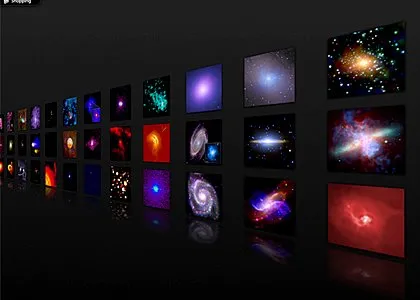
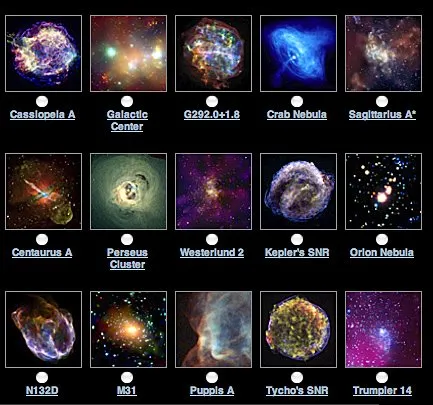
Just like Yahoo, YouTube, Google, Flickr and more, the Chandra X-ray Observatory now has a dynamic 3-D image wall.
The web gallery allows you to browse the site's images, learn more about the astronomical objects, and share the photos with our friends. Since its site renovation, Chandra is catching up with web 2.0, and there will be more soon: 3-D Videos!
To access the application it is necessary to install the Cooliris plug-in (for Firefox, Internet Explorer and Safari).
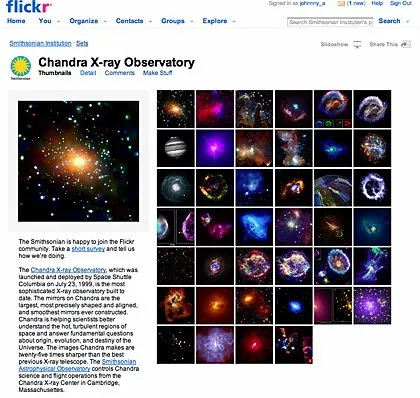
Cooliris is an extension for Firefox, Safari and Internet Explorer that allows you to browse visually through an interface that appears to have three dimensions. It is a kind of image and video browser, with the possibility of accessing from an iPhone and integrating with other applications like Flickr, Yahoo! Images, Facebook, MySpace, Picasa or YouTube, etc.
Access the Chandra 3-D Image Gallery.
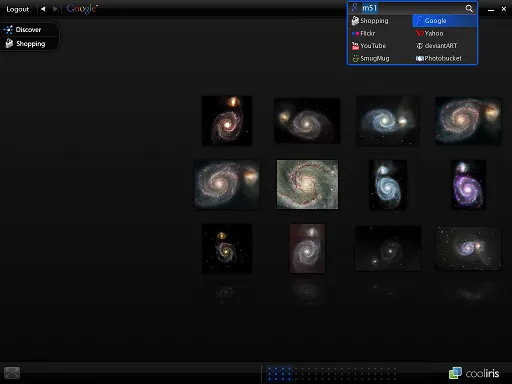
Sample of Cooliris in action
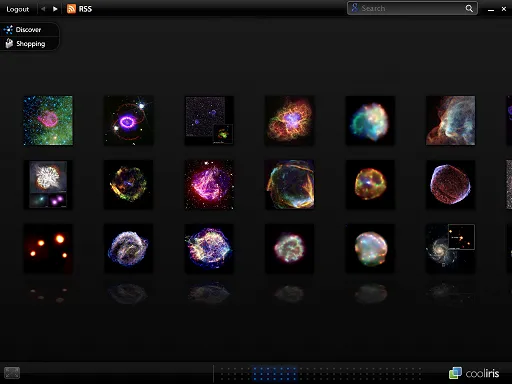
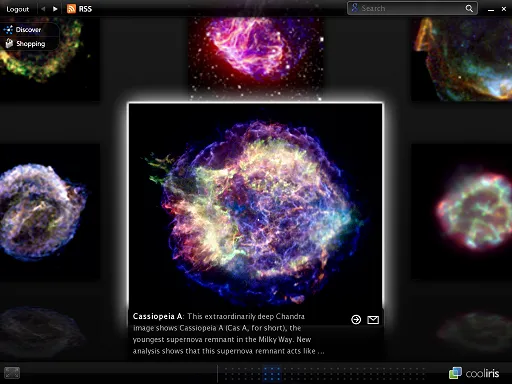
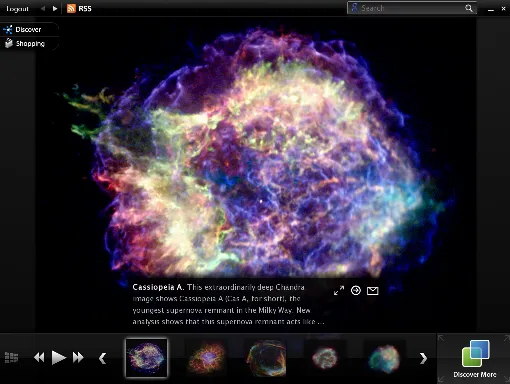
This screen is accessed when entering the Chandra gallery. (To discover other galleries click where it says "Discover"). At the bottom there is a gallery navigation bar (where the blue dots are seen). By moving the mouse along that bar, the image gallery comes to life, moving to the side we have indicated with the mouse on the bar. This way you can go through the gallery from end to end or position yourself in a certain place. To the left of the navigation bar there is an icon (square with four little arrows) that serves to change the navigation mode, as will be shown below.When selecting an image, it is displayed as in the image above, with a description. Next to the text there is an icon to go to the site where the image is hosted (the arrow) and an icon to share with friends (the envelope). For this last option you must be registered.If we click the icon that is to the left of the navigation bar, instead of browsing the gallery "in motion," the bar hides showing us a preview of the following images and the buttons to change images one by one or in presentation mode (play icon, the large triangle)Another interesting function is search. As seen in this screenshot, you enter the term or keywords to search, allowing us to choose between several search engines like Google, Flickr, YouTube, among others.