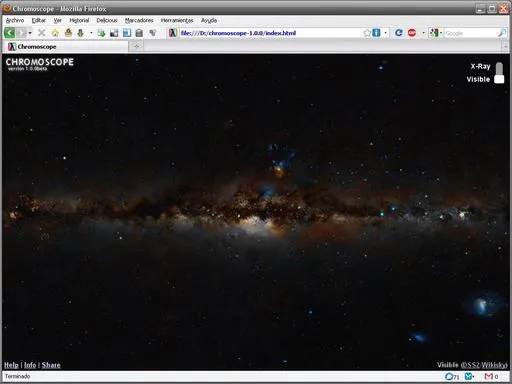
It is a site that allows you to see the Milky Way and the distant universe more easily than ever, in different wavelengths.
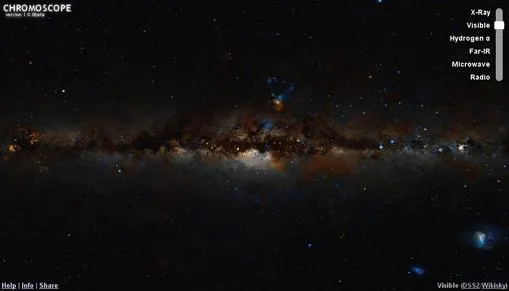
The new online application allows you to visualize the galaxy and the objects in it, through zoom in and out functions and search, and allows you to change the wavelength of the observations.
Important: by default, labels are not shown, but we can see them by pressing the "l" key (labels). See more shortcuts.
Robert Simpson, from Cardiff University, pointed out that "This view of the universe has been familiar to professional astronomers for a long time, but Chromoscope makes it accessible to everyone".
The site, which in Spanish could be translated as "Cromoscopio", was launched during the dotAstronomy conference taking place in the Netherlands.
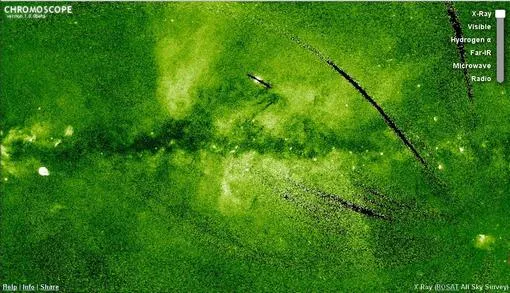
Stuart Lowe, from the University of Manchester, emphasized that the site is a collaborative project. "Chromoscope uses data from a series of observatories, including the giant radio telescope at Jodrell Bank," he said. The initiative involves data from the ROSAT (X-ray), Digital Sky Survey (optical), IRAS (infrared), WMAP (microwave) observatories and other astronomical surveys.
<
Chromoscope can be downloaded and then used without an internet connection, making it a very useful tool for education. However, at this time the code to download is not available.
It can now be downloaded
And to know how to install it, we made a small tutorial in A Cromoscope on the PC.
In addition, it has its own Chromoscope Blog from which we can learn about the project's features and the different versions generated.
Keyboard use
To operate the different functions we can access them with the following keyboard shortcuts:
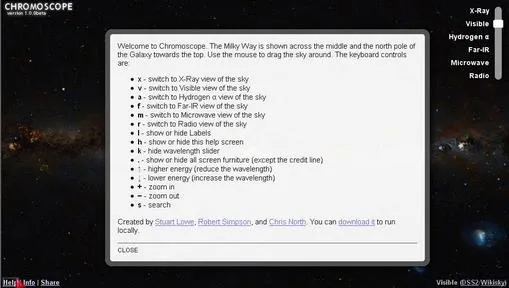
x to switch to X-ray vision v to switch to visible a to switch to hydrogen alpha f to switch to far infrared m to switch to microwave r to switch to radio l to show or hide labels h to show or hide help k to hide the wavelength slider
. (period) to show or hide screen decoration up arrow to decrease wavelength down arrow to increase wavelength
+ zoom in
- zoom out s search
Sources and related links
- DotAstronomy: Chromoscope
- Chromoscope
About the images
- Chromoscope image captures