In the early 1990s, the first version of the planetarium program Redshift appeared. Now the seventh version of the program is available.
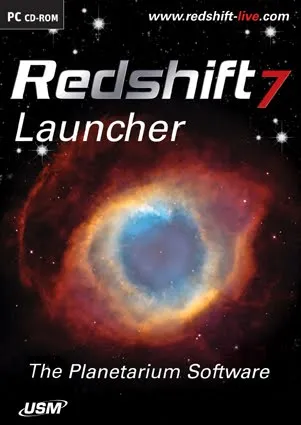
The product has a Premium version, an Advanced version, and a Compact version. But it also has a free trial version. The others have a cost ranging from 80 to 20 dollars.
Something that characterizes the product is its online community, where we can register to share information and photographs. The site also has articles on astronautics and astronomy.
It is an official product of IYA2009, whose website is now in Spanish and promises an iPhone application (together with Celestron).
The product was developed by Maris Technologies and United Soft Media.
The free Launcher version is 303 MB and the plugins are (approx.) 1.5 MB.
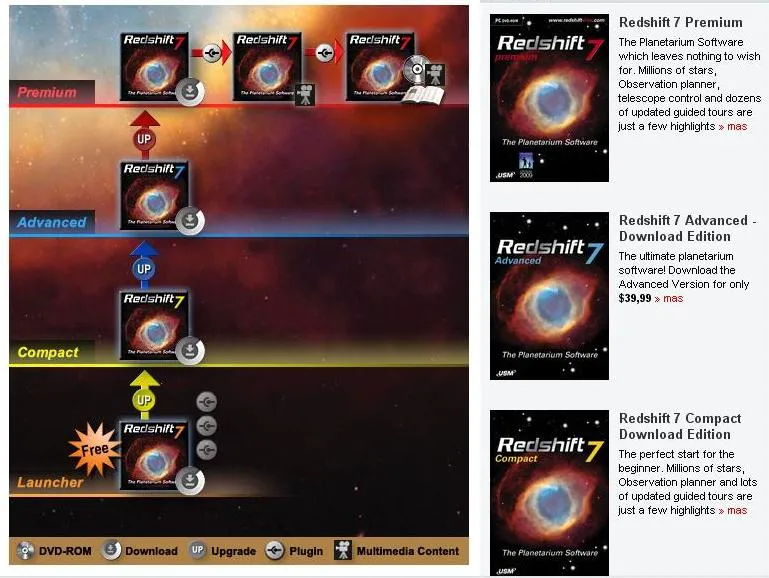
Test of Redshift 7 Launcher Version
http://www.youtube.com/watch?v=Qgzx0emX5gs
The site highlights that the program has:
More than 100 thousand stars, 1,800 star clusters, 20 thousand deep-sky objects, 15 thousand asteroids, 1,500 comets and more.
New design
Realistic model of our galaxy
With Joystick control
Includes dwarf planets and exoplanets
The program takes a few seconds to open and when it does, the first screen presents an introduction through videos.
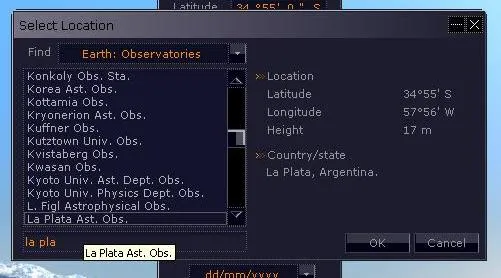
With the planetarium, as in others, it is possible to view the night sky or adapt to the prevailing conditions at our location. For that, we must correctly indicate where and when we are located. It is easy to find the location "Buenos Aires", as well as the corresponding time zone.
It is also possible to choose observatories around the world as observation sites, including the La Plata Observatory, for example, although the Córdoba Observatory, the Instituto Argentino de Radio Astronomía, the Félix Aguilar Observatory, the Carlos U. Cesco Station, CASLEO are also listed.
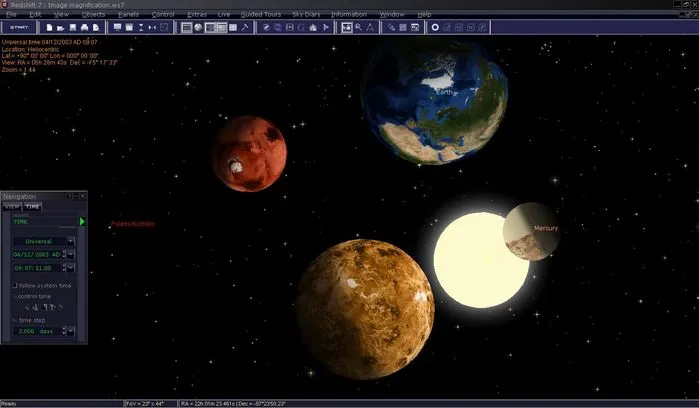
The controls allow us to advance or go back, according to a time scale that we can also modify.
We can then rotate the environment and when placing an object of interest, options will be displayed. In the case of the Moon, for example, we can:
Center on the object, take a 3D flight, remain on the surface, fly over the surface, or follow the center of the object.
In the case of stars, we can take a 3D flight, center on it, add it to favorites, and search in SIMBAD. We can also see its designation in different catalogs.
Panoramas, sounds, and tours
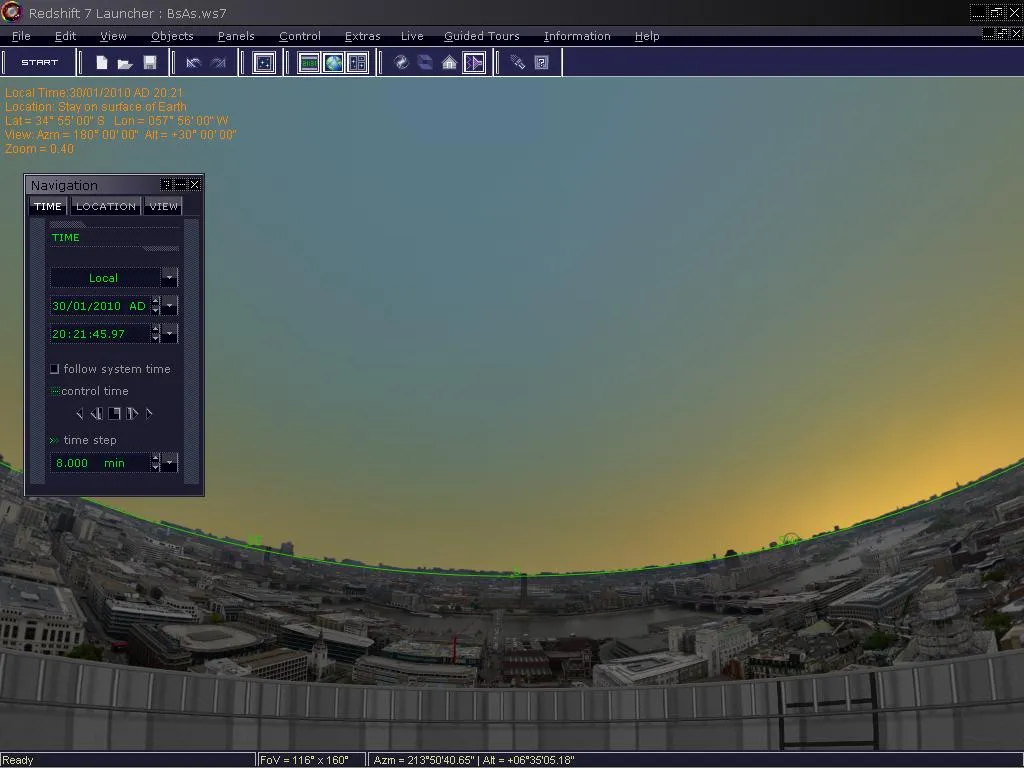
The panoramas are the base image that can simulate that we are observing from a certain place: a city, the countryside, from the air, the ocean, or no specific place.
Something similar happens with the sounds. We can hear background sounds of different types: frogs, crickets, a lake, a campfire, "space" music, little birds, etc.
The tours are multimedia files with information on a specific topic. Some installed tours are about Galileo's discovery of Jupiter's Moons, the phases of the moon, etc. These files contain images and videos with text and sound in English.
Plugins
In the Launcher version, which is free and the one we tested here, it is possible to add three plugins:
The Publishing plugin allows sharing our workspaces and tours with the community.
Another available plugin is the dictionary and photo gallery.
And the third plugin is panoramas and sounds: three new panoramas and three new sound schemes for Redshift.
Here I installed the panoramas and sounds plugin. An issue to consider is the following:
The executable files of the plugins contain many files that must be decompressed. At the end (it took about 3 minutes) we will be asked if we want to save or run. If we do not choose any option and try to close that window, the only thing that will happen is that the process will remain unfinished and some files will be open. In that way, if we then try to install a plugin, it will give an error when trying to write to a file that is already open. Ergo, when asked if we want to save or run, we choose the second option. In this case, the plugin downloaded material from the web and, apparently, updated the application to Service Pack 2. Finally, a message indicates that the installation finished. Also, when opening the program, the installed plugins appear.
Through the universe
Another option the program has is a quick trip to the planets and a trip through the Milky Way.
The planetarium has many other functions, not available in the Launcher version, as indicated on its website. A greater number of objects and more functionalities make the product more appealing than the trial version. However, the Launcher version allows contact with another planetarium that is very agile in rendering images.
What is it missing?
It is difficult to evaluate a product only through its trial version, but of course a drawback is that it does not have language packs, being only in English. Otherwise, it seems like a solid, well-built, and agile planetarium.
Test conditions
Redshift 7 Launcher version was installed on a computer with:
Motherboard: Asus M3N78-VM
CPU: AMD Phenom X3 8450 @ 2100 MHz
RAM: DDR2 2048 MB
Graphics card (on board): NVIDIA GeForce 8200
Hard drive: WDC (320 GB)
Monitor: ViewSonic E70f+-3 - 16 inches
OS: Microsoft Windows XP Professional 5.01.2600 Service Pack 3
The program ran while the PC was performing other tasks, such as running BOINC and with Firefox 3.5.7 open. The task manager indicated 32 MB of memory usage (Firefox, 105!).
Sources and related links
About the images
- The images Planets in Redshift7 and the product logo are from the Redshift site
- The screenshots of observatory selection and panorama are from the Launcher version. Credit: Redshift