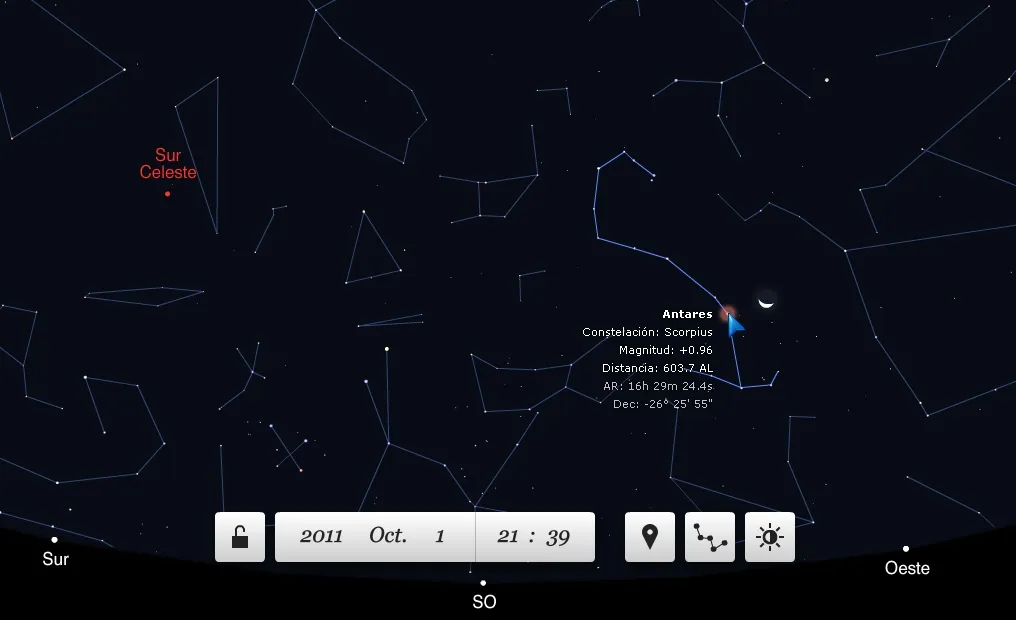
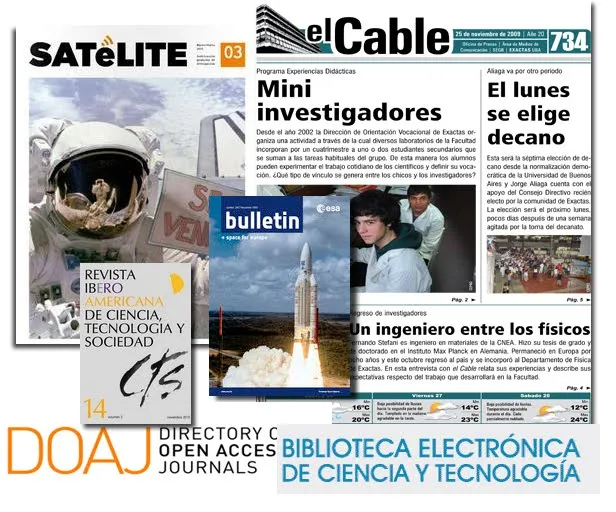
A listing of sites that offer the possibility of downloading screensavers for your PC and other resources to customize our computer (and mobile).
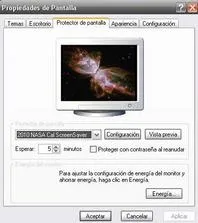
For a long time, I've had a pending task on the blog: to improve the "Useful Links" section from where I intend to provide a list of resources such as observatory websites, related blogs, publications, etc.
To start completing this section, I prepared two posts about Screensavers and images, which I will develop now, and another about electronic magazines that I will publish soon.
The post includes:
General screensavers
NASA screensavers
ESA screensavers
Our own Screensaver
Let's Be Green: Responsible Use
Note: Disclaimer
General screensavers
Astronomy and space screensavers on Terra Softonic
From Softonic and Terra it is possible to access a set of desktop customization resources, such as wallpapers, themes, etc.
Astro para todos
"Astro para todos los públicos" has been a project coordinated by Dr. Inés Rodríguez Hidalgo, from the Instituto de Astrofísica de Canarias (IAC), in which Luis López Martín (IAC), Jesús Burgos Martín (IAC), Benjamín Montesinos (LAEFF) and Jordi Aloy (CosmoCaixa, Barcelona) have also participated.
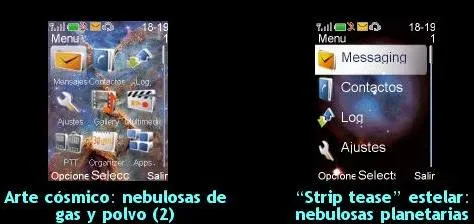
The site contains a variety of resources for both the computer and mobile.
Earth Screen Saver
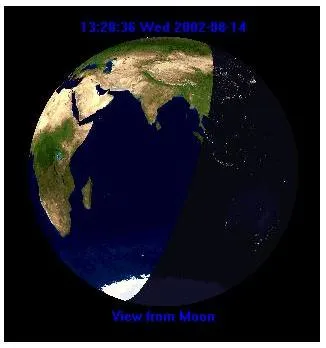
It shows an image of the Earth as it is illuminated by the Sun, from a variety of viewpoints. We can see the Earth from the Sun, the dark side, from the Moon, or from an arbitrary altitude.
http://www.fourmilab.ch/earthscr/
The site also has other related programs and more screensavers. It is the page of John Walker, creator of Home Planet.
3Deep Space Ltd
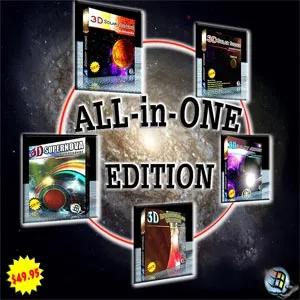
It is a private company that produces several screensavers. They are paid, but can be downloaded for free, with some limitations.
They have screensavers about:
Journey through the galaxy, Supernova, Interstellar journey, Solar journey, and journey to the solar system. Furthermore, it is possible to buy a complete edition with all the mentioned products.
http://www.3deepspace.com/
Back to top
NASA Screensavers
NASA Mission Screen Savers
The NASA Robotics site is the gateway to screensavers from some missions:
Mars:
Mars Exploration Rovers
Mars Reconnaissance Orbiter
Phoenix Mars Mission
Saturn:
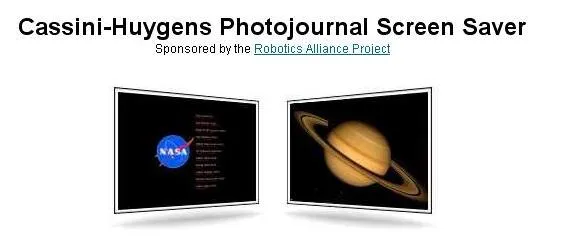
Cassini
Requires Windows (98/ME/2000/XP), permanent web connection, screen resolution of 800x600 or higher, with a color quality of 24/32 bits.
NASA Science Mission Directorate Calendar Screen Saver
Available for Windows and Mac in different screen resolutions. These screensavers were created with iScreensaver and require QuickTime.
http://eospso.gsfc.nasa.gov/eos_homepage/for_educators/ScreenSavers/index.php
Genesis: in search of origins
The mission reached the Lagrange L1 point in 2001 with the objective of studying the solar wind. The collection period concluded in 2004 and since then the particles have been analyzed with the international community.
On the mission's page they have a screensaver with the spacecraft's trajectory. It simulates the probe's movement towards L1 and its return to the planet.
It is available for Windows and Mac.
http://genesismission.jpl.nasa.gov/product/traj_screensaver_product.html
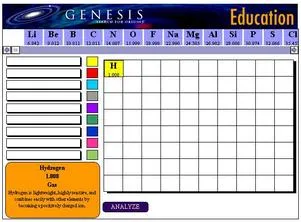
It also has an interactive simulation of the periodic table that can be accessed online (requires Shockwave) or downloaded to your PC (Win/Mac).
The Gateway to Astronaut Photography of Earth
On the site there are two screensavers:
Astronaut photographs of cities and Astronaut photographs obtained from that website.
The application requires Microsoft® .NET® Framework 2.0. If we select another screensaver this one is removed, unless it is saved in the Windows System32 folder.
The images are taken from the Earth from Space collection.
http://eol.jsc.nasa.gov/Coll/Ssaver.htm
M2K4
It is a NASA site about missions to Mars from which we can access desktop images and two screensavers for PC.
http://www.nasa.gov/externalflash/m2k4/frameset.html
Chandra Observatory
The X-Ray observatory site is one of the most complete. It has a page dedicated to PC screensavers. Some of those links (the first ones listed) are simply a set of images compressed in a Zip file. With those images it is very simple to create our own screensaver.
But it also has links to already created screensavers. These are those links to files that begin with "CXC".
For example, the link listed under "First Year Edition (1999 - 2000)"
is "http://chandra.harvard.edu/resources/screensavers/CXC1styear_PC.zip"
Those screensavers are quite old, from the year 2000. Some are .EXE files and others are .SCR files and in both cases the quality leaves much to be desired.
However, the images, videos and other resources on the site are fantastic. It has animations, podcasts, presentations, virtual cards and audio, among other resources.
http://chandra.harvard.edu/resources/
Back to top
ESA Screensavers
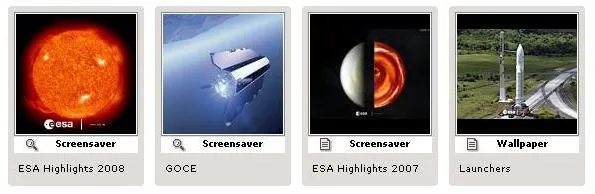
The European Space Agency has a page with screensavers of craters, science projects, Integral, Mars Express, Smart-1 and more.
http://www.esa.int/esaSC/SEMB11T1VED_index_0.html
It also has wallpapers and models to assemble.
More screensavers can be found in the multimedia gallery, along with more images, videos and more.
SOHO Screen Saver
An ESA screensaver that allows you to view incredible images of the Sun, courtesy of the Solar and Heliospheric Observatory (SOHO).
Available for Mac and Windows. It also has a viewer for Linux.
http://sohowww.nascom.nasa.gov/freestuff/
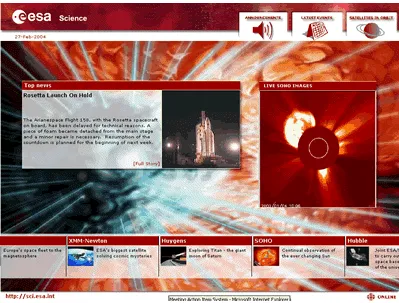
SciTech Screensaver
To stay up to date with European Space Agency missions, this screensaver presents news and reports, links to 3D models with the components of each operational satellite. Also from this program we can see SOHO images of the Sun.
http://sci.esa.int/science-e/www/object/index.cfm?fobjectid=34651
Back to top
Our own screensaver
Without additional software in XP
In Windows XP it is possible to have our own screensaver without additional software. We just need to gather the desired images in a folder. It can be the "My Pictures" folder or any other. HubbleSite is an excellent site to download images. The links mentioned before to NASA and ESA sites also have images to download.
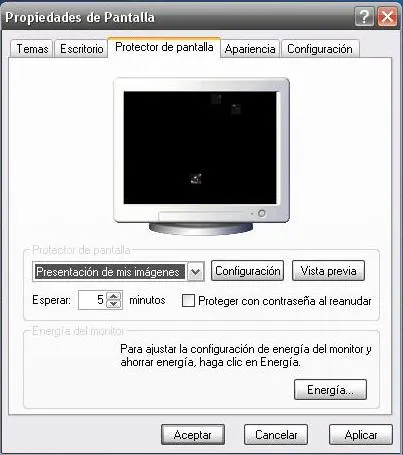
Once we have gathered the images, we go to the desktop and right-click to choose "Properties" and then "Screen Saver". Among the options, "My Pictures Slideshow" will appear. Note the "Power" button.
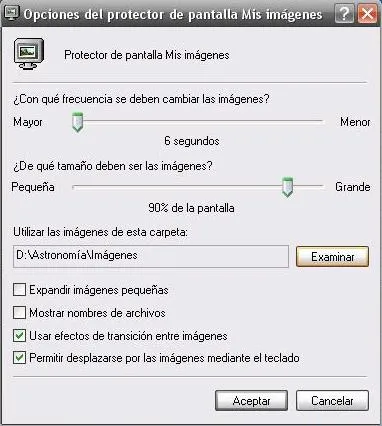
If we want to use images different from those in the "My Pictures" folder, we click "Settings". There we can set the frequency of image change, the size, the folder where we have the images we want to see, and other options. Upon accepting, we will have our own screensaver.
Screensaver creation programs
There is a variety of programs that allow us to create our own screensavers, from images and videos and with different options.
One case is the already mentioned iScreensaver. We can browse Softonic for free products in Spanish for this purpose.
Back to top
Let's be green: Responsible use of the screensaver
Using a screensaver without any other care is not recommended. It will increase the electrical usage of our computer and waste energy. What is a screensaver for then, what does it protect? The idea is that if an image remains displayed on the monitor for a long time, that hardware resource will end up damaged. That is, it protects the monitor, but its indiscriminate use is harmful.
How to use it?
Personally, I believe the best recommendation is simply to turn off the monitor when we are not using it. It is possible that the computer is processing data and that takes some time during which we cannot do anything else. Meanwhile, leaving the monitor on can simply cause energy waste.
However, sometimes we are performing some task and, for some reason (a phone call, preparing food, etc.) we temporarily stop working on the PC. For those cases, leaving the computer with a permanent image for more than 10 minutes can degrade the quality of our monitor.
For that, there are energy-saving systems integrated into modern computers that allow us to specify:
-How much time must pass for the screensaver to activate
-How much time must pass to deactivate the monitor and the hard drive.
For more information:
Reducing electrical energy consumption in computer equipment
Note:
The blog and its author have no relationship with the sites detailed. The content of the same is the responsibility of their creators. Installing programs on the computer can be harmful for users who are not accustomed to it or when installing malicious software. We have not tested all the software indicated here, so we are not responsible for what the use of them may cause. However, we have successfully tested part of the indicated programs, without problems.
Back to top
About the images
- The images are screenshots of the different screensavers. The credit belongs to the respective creators.